Sample Project One: Determining Scope & Creating Solution Options
As a Product Manager leading a Process Automation Team, I was approached by a Continuous Improvement leader who surfaced an opportunity during a Kaizen event.
Below I’ve detailed:
- Each “Generic Step in My Approach” that I use as a repeatable pattern across projects.
- “Key Questions to Answer & Work to Do” during each step.
| Generic Step in My Approach | Key Questions to Answer & Work to Do |
| 1. Summarize and Confirm the Opportunity | a. What’s the problem? b. Who are the key personas / actors? c. What’s the ballpark quantifiable opportunity? d. What’s the current impact? e. Who are the key stakeholders / interests? f. What are the key motivators? |
| 2. Confirm Priority, Urgency and Desired Timing | a. How important is this work? To who? b. When does this work need to be completed? c. Who wants / needs this work completed? d. What happens if this work isn’t completed in that timeframe? |
| 3. Gather Additional Details | a. Talk to Subject Matter Experts (SMEs). b. Gather quantifiable data and lists of systems / data sources. c. Identify gaps & assumptions. d. Map out “Existing, As-Is” business processes, by persona / user type. |
| 4. Create a Hypothesis | a. Create a concise, testable statement. b. Identify and include independent and dependent variables. – Example: If we automate the process of submitting claims for unpaid invoices, our company will eliminate $3 million in unpaid invoices in calendar year 2025. c. Identify Leading and Lagging / Trailing indicators. d. List Assumptions and Open Questions. e. Calculate estimated Return on Investment (ROI). |
| 5. Architect Solution Options and Phases | a. Break work out by achievable chunks of business value. b. Map out “Proposed, To-Be” business processes. c. Dive deep into the data to confirm proposed solutions are possible. d. Identify dependencies on programs, systems, data elements, and data availability. e. Include security and legal concerns. f. Create ballpark, high-level timelines and estimates. |
| 6. Get Agreement to Move Forward | a. Identify a Business Owner. b. Identify the project team, SMEs, and testers. c. Confirm agreement on scope, proposed go-forward approach, and funding. d. Confirm resources are available and committed. |
| 7. Create a Proof of Concept | a. Create and demonstrate a product with most major functionality to quickly demonstrate if the idea is usable and should continue to full development. b. Identify gaps. c. Generate business user excitement and interest. |
| 8. Pilot the Solution | a. Create and deploy a small-scale working solution for use by a focused group of end users. b. Continue gathering feedback. |
| 9. Create and Deploy a Full-Scale Solution | a. Identify, develop, test, and deploy a solution that meets most or all requirements. b. Assist with training and support. |
| 10. Quantify Value Delivered | a. Re-visit the Leading and Lagging Indicators identified when the hypothesis was created. b. Quantify actual cost and value thus far. c. Project cost and value going forward. |
| 11. Identify Enhancement Opportunities | a. Identify opportunities to enhance the product based on functional user feedback. |
| 12. Identify Scaling Opportunities | a. Identify opportunities to enhance the product based on technical performance and other non-functional factors. |
| 13. Ongoing: Address Defects | a. Capture, prioritize, and address functional and technical defects and gaps. |
| 14. Ongoing: Provide Support | a. Get agreement before incorporating enhancements and defect fixes. b. Answer user questions. |
| 15. Ongoing: Keep Stakeholders Informed | a. Stay in touch with Business Owners, Stakeholders, and Users. b. Solicit feedback and share metrics. |
Sample Project Two: Examples of Documentation, Process Mapping, and User Stories
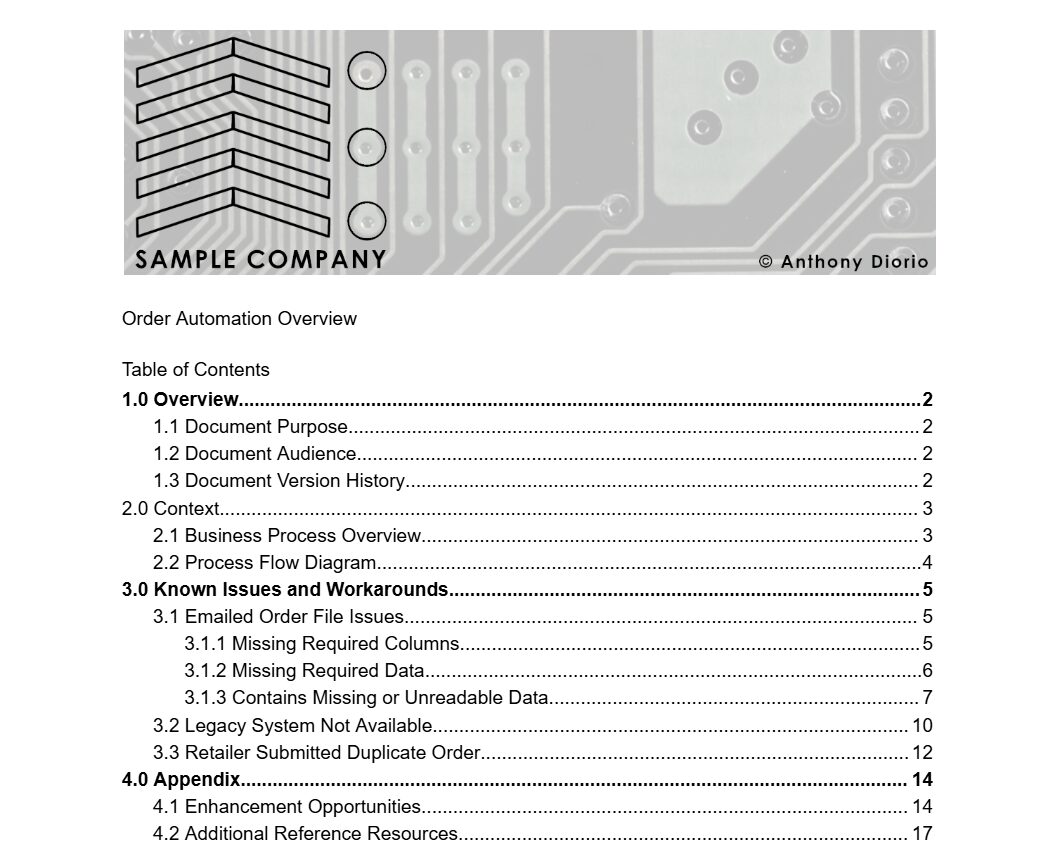
Below is the Table of Contents (TOC) of I created to provide an overview of the Order Automation process for the fictitious Sample Company.
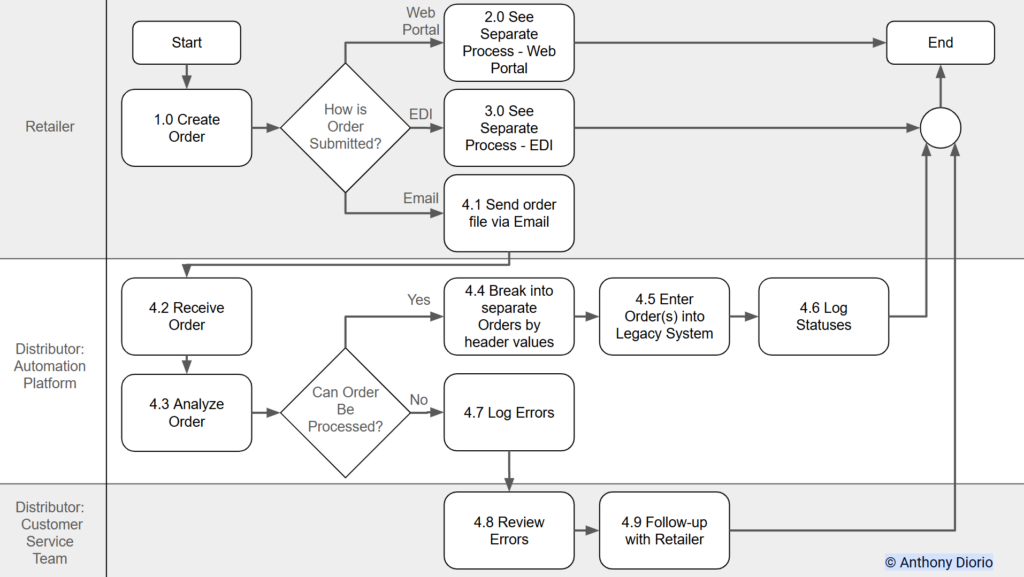
Below is the high-level process flow diagram I created for the Order Automation process for the fictitious Sample Company.
Below are the high-level Releases for the Epic to Process Orders Submitted via Email via automation
- Epic: 4.0 Process Orders Submitted via Email
- Release 1: Process Order Without Errors – Happy Path
- Release 2: Kick Out Orders with Any Errors
- Release 3: Handle Order Header Errors
- Release 4: Handle Order Detail Errors
Below are the titles of users stories for Release 1.
- User Stories for Release 1: Process Order Without Errors – Happy Path
- Identify and Log if File Has Errors
- Happy Path: Break Order Into Logical Chunks
- Sign in to Legacy System
- Navigate to Order Entry Screen
- Identify Number of Order Headers
- For Each Order Header, Enter 1 to Many Order Details
- Log After Entry of Each Header is Complete
- Log After Entry of Each Order Detail is Complete
- Log After File Processing is Complete
Below is the text of User Story 9.
- User Story 9: Log After File Processing is Complete (using Gherkin Syntax)
Given an order file was emailed in
and received by Sample Company
and automation analyzed the order
and automation determined the order could be processed
and automation signed in to the legacy system
and navigated to the order entry screen
when automation has successfully entered the order header
and successfully entered all order details
then automation logs the time datestamp the order was entered into the ORDERS database in the CREATEDON field (in the format: mm/dd/yyyy hh:mm:ss – example 12/30/2020 10:15:55)
and logs the order number (pulled from the legacy system screen) into the ORDERS database ORDERHEADER field.
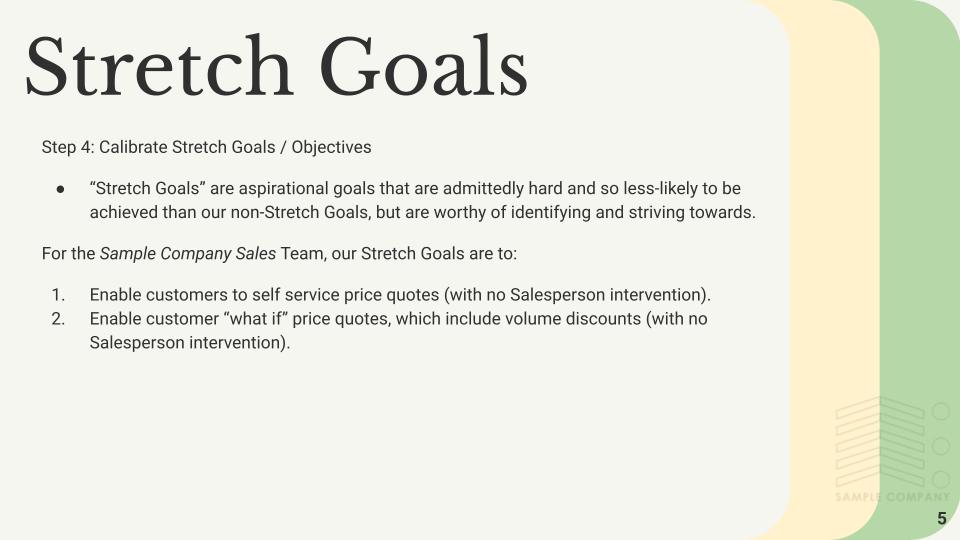
Sample Project Three: Creating Priorities, Objectives, and Key Results (OKRs)
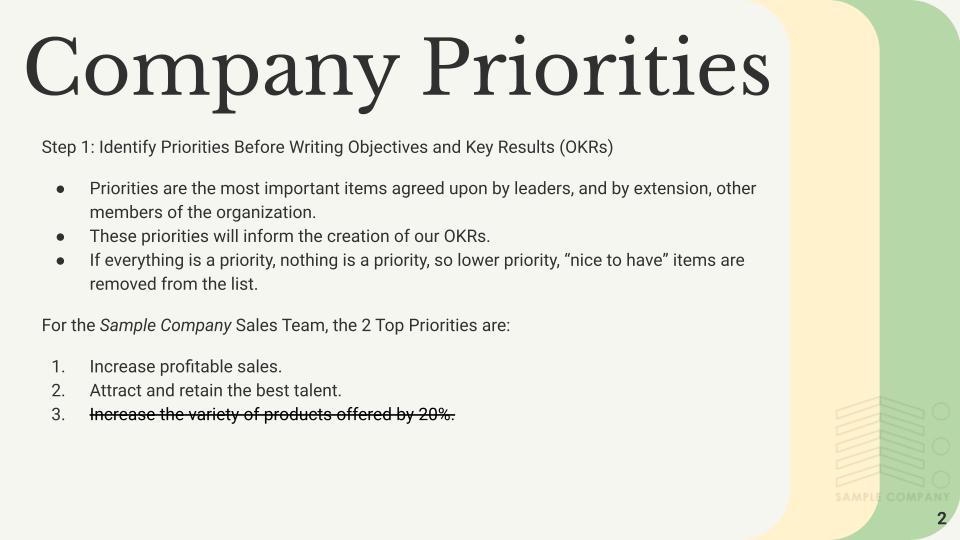
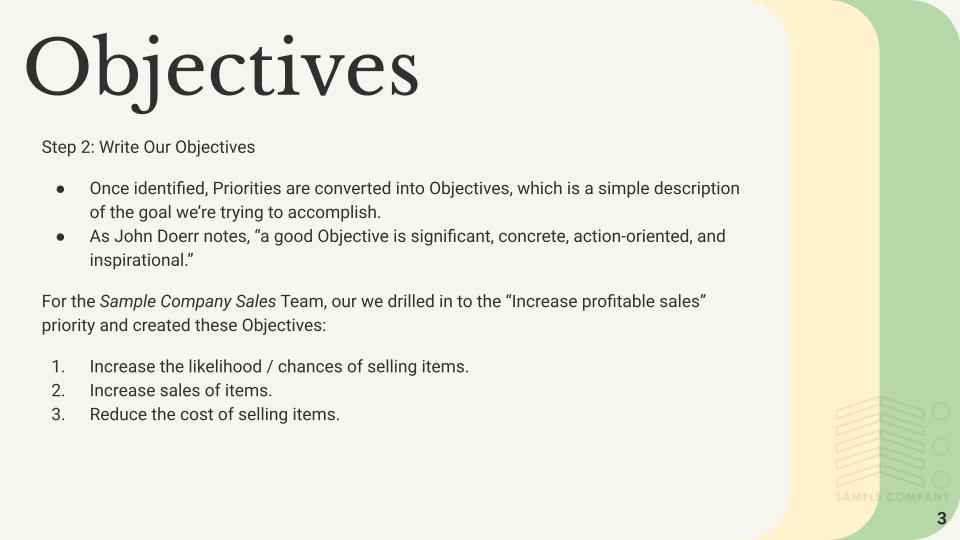
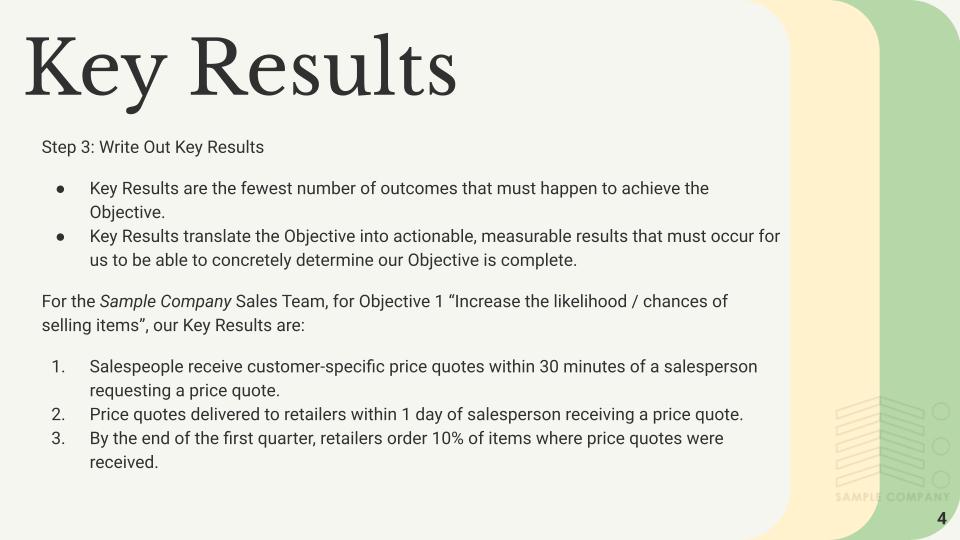
Below I followed the pattern of “Measure What Matters” author John Doerr (link), and created a short presentation on the Priorities, Objectives, and Key Results (OKRs) for Sample Company’s Sales Team.